System-wide hotkey
One shortcut works in every Windows app — browsers, PDFs, email, terminals, docs. No extension to install per site.
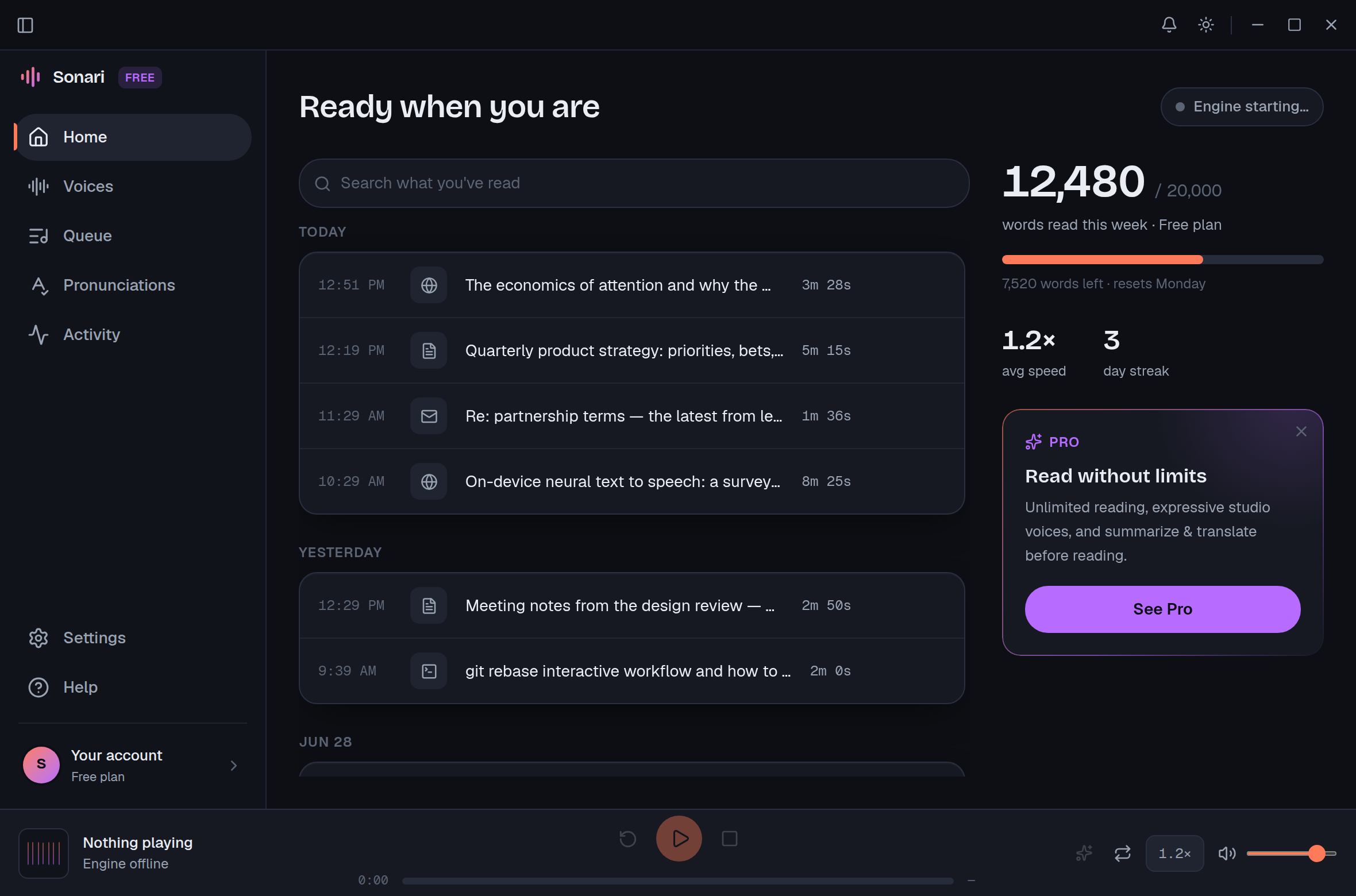
Select text in any Windows app, press a hotkey, and a natural neural voice reads it to you. Local, private, and fast.
Read anything aloud, anywhere on Windows.
The whole loop
Readwave lives in the background. Reach for it the same way in every program you use.
Highlight anything in any app — a browser article, a PDF, an email, even a terminal log.
One global hotkey, the same everywhere. Readwave grabs the selection and starts reading.
A natural neural voice reads it back. Press the hotkey again to stop — that's the whole loop.
What's inside
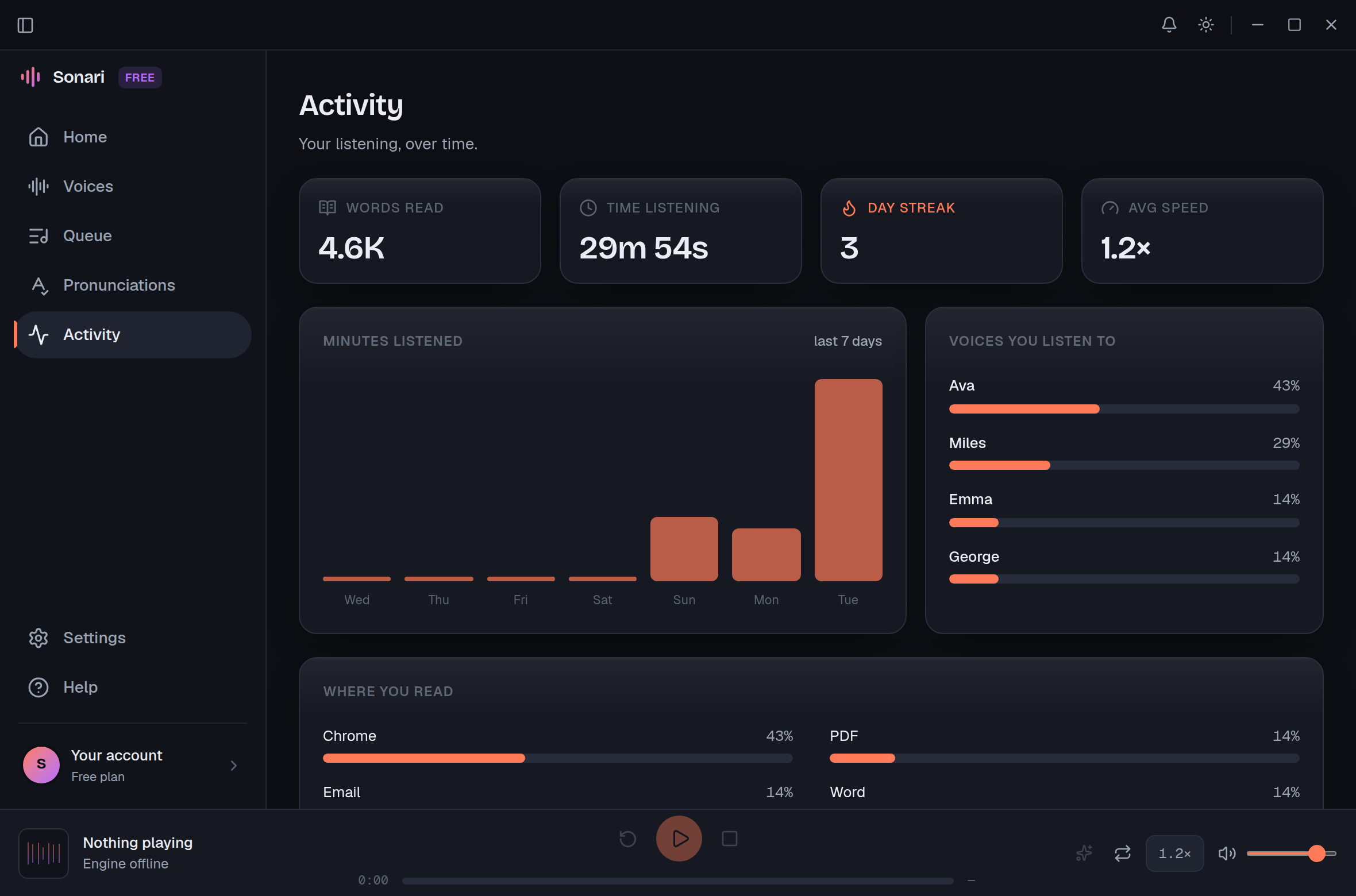
Everything is built around one idea: turning the reading you already do into listening, with as little friction as possible.
One shortcut works in every Windows app — browsers, PDFs, email, terminals, docs. No extension to install per site.
On the free plan the voices run on your device. Your text is never uploaded — nothing to leak, nothing to log.
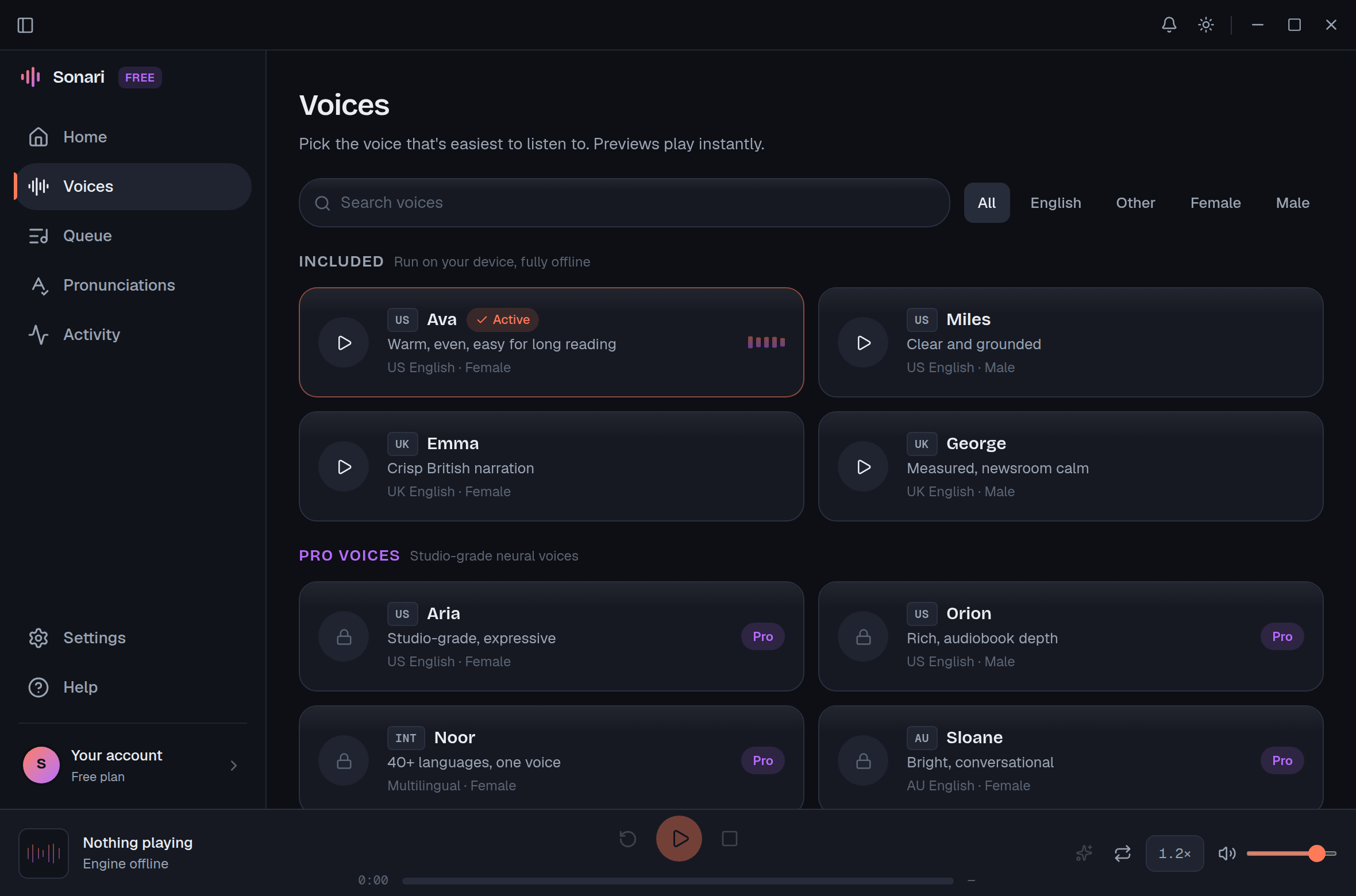
Four built-in voices across US and UK English — calm, even, and easy to listen to for hours.
Send long reads to a queue and play them back-to-back, like a podcast you assembled yourself.
Teach Readwave the names, acronyms, and jargon specific to your work so they're read correctly every time.
Summarize, translate, or simplify a passage first — then have it read aloud. Great for dense or foreign text.
Anything, out loud
Pricing
The free plan is genuinely useful and fully offline. Pro is for unlimited reading and Smart Reading.
Everything you need to start listening, on your machine.
20,000 words / week
Download for Windows 11For people who read — and listen — all day.
per month, billed $69/yr
Start 14-day free trialNo card required
Local-first by design
Plenty of read-aloud tools ship your selection to a cloud you don't control. Readwave does the opposite: the free experience is offline, private, and yours. Pro's cloud-powered Smart Reading sends text only when you choose to summarize, translate, or simplify it.
Questions
Yes. The free plan runs natural neural voices on your device, fully offline, with up to 20,000 words per week — no account or card needed to start. Pro ($8/mo or $69/yr) adds unlimited reading and Smart Reading — summarize, simplify, or translate 40+ languages, then listen — with a 14-day free trial. (Studio cloud voices are coming soon.)
On the free plan, yes — the voices run locally, so the text you select never leaves your computer. There's no upload, no logging, and nothing stored on a server. Pro's Smart Reading sends text to the cloud to summarize, translate, or simplify it — you choose when to use it. (Cloud studio voices are coming later.)
Four built-in voices: Ava and Miles (US English), and Emma and George (UK English). They're tuned to be calm and easy to listen to for long stretches. Pro adds Smart Reading, including translating text from 40+ languages into one you listen to; studio-grade cloud voices are coming soon.
No. The free local voices work with the Wi-Fi off — on a plane, off-grid, or on a locked-down network. You only need a connection for Pro's Smart Reading (and cloud studio voices, coming soon).
Any Windows app where you can select text — your browser, PDF readers, email clients, code editors, terminals, chat apps, and documents. There's nothing to install per app: just highlight and press Ctrl+Alt+R.
Cancel anytime from your account settings — Pro stays active until the end of your billing period, then drops back to the free plan. If you cancel during the 14-day trial you're never charged. Free stays free.